Your logo and all your printed materials, ready for the printer
Business cards, flyers, posters, roll-up banners: for every product, the size, bleed and safe area are already set. Design with more than 6,000 symbols and 38 fonts, preview the colours as they will print, and order printing without leaving the tool. The tool itself is currently in French.
The problem
A rejected file costs time and money
Hiring a designer is expensive when you're just starting out, and layout software takes hours to learn. A home-made file often comes back from the printer: missing bleed, text too close to the edge, a low-resolution image, or screen colours that change once printed.
With Logo Studio, you design your printed materials yourself, and the printer's rules are already applied: size, bleed, safe area and print colours.
How it works
Three steps, no training needed
No randomly generated designs: you choose and place every element yourself.
Choose what to print
Business card, flyer, poster, roll-up banner or just a logo: everything is set up for the printer.
Design
Add your text, a symbol from more than 6,000, shapes, your logo or a QR code, then set colours and fonts.
Export or order
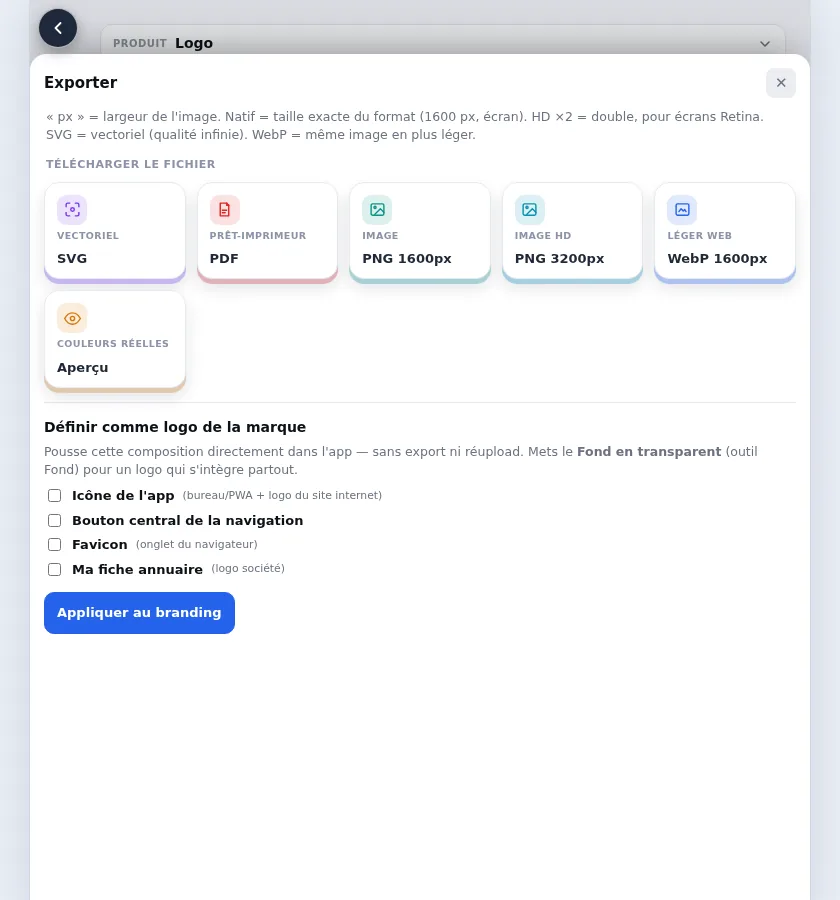
Download a file in print colours, or order printing with a quote and a proof.
16 print products
From logo to roll-up banner
Stationery
Business cards, correspondence cards, headed paper and envelopes.
Marketing
Flyers, leaflets, posters from A4 to A0, postcards and bookmarks.
Large format
Roll-up banners and PVC banners, up to 2 metres.
Stickers and labels
Round, square or rectangular, for your products and packaging.
Photo and decor
Photo prints and canvases.
Social media
Ready-made sizes for Instagram, Facebook, LinkedIn, X, TikTok, Pinterest and YouTube.
Print-ready
The printer's rules, already applied
A printer expects a precise file: the exact size to the millimetre, bleed so the trim leaves no white edge, a safe area so nothing important gets cut off, and print colours rather than screen colours. In Logo Studio, these settings are already in place.
- Bleed depends on the product: 2 mm for a business card, 3 mm for a flyer, 20 mm for a roll-up banner.
- The safe area reflects how the product is used: on a roll-up banner, the bottom margin is deeper because the base cassette hides the bottom of the fabric.
- Business cards, flyers, leaflets and postcards can be printed double-sided.
- Colours are converted to CMYK with the FOGRA profile that matches the paper: FOGRA39 or FOGRA51 for coated paper, FOGRA52 for uncoated paper.
- A preview shows you what will change on paper before you export or order.
With Ngento
Your logo throughout Ngento
Logo Studio is part of Ngento, the all-in-one management application for small organisations. If you use Ngento, one click makes your logo the app icon, the browser tab icon and the picture on your Ngento directory listing.
Frequently asked questions