
From screen to paper, with no nasty surprises
A rejected file, colours that don't match the screen, an edge cut off: Logo Studio prepares your files for printing and lets you order without leaving the tool.
The file
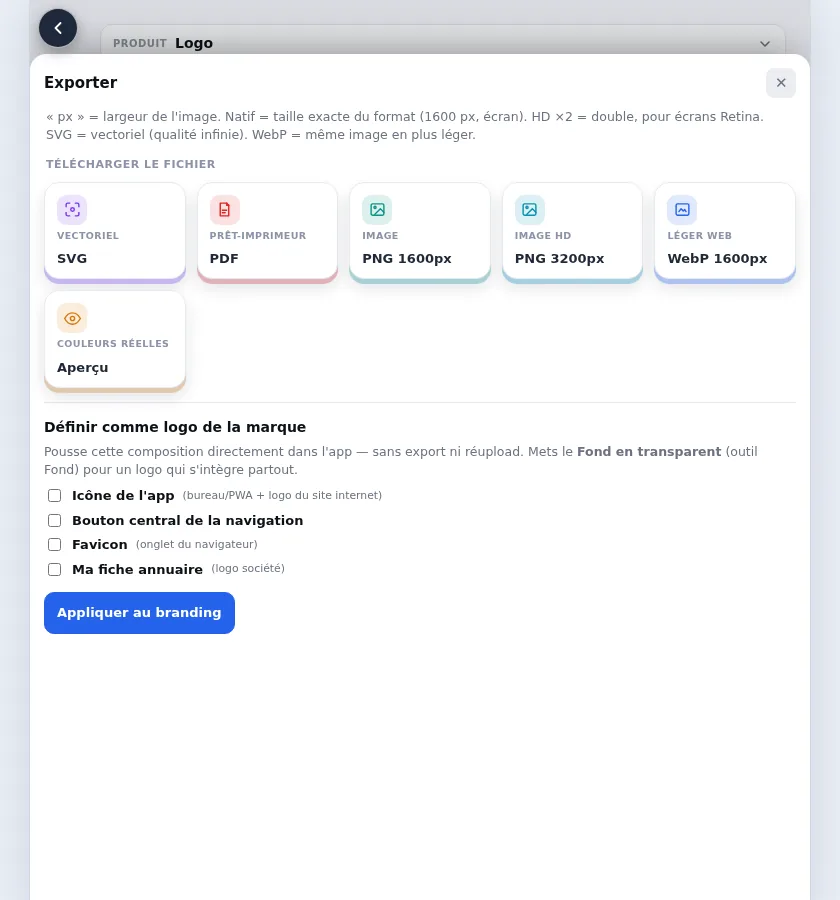
A PDF ready for the printer
Ink cannot reproduce every colour you see on a screen. Logo Studio converts your file to print colours (CMYK) and shows you a preview of how the colours will look on paper. The file also includes the bleed and crop marks the product needs.
Ordering
An order in four steps
Quote
Choose the product, the size, the paper and the quantity, and get the price.
Proof
Approve the exact file that will be printed.
Online payment
Pay for your order by card.
Printing and delivery
A professional partner printer prints your order and ships it to you.
Products
Products you can order
From the tool you can order: business cards, flyers, leaflets, posters, postcards, bookmarks, stickers, labels, roll-up banners and photo prints. They can all carry your logo and colours. The price depends on the product, the paper and the quantity, and is shown on the quote before you order.